
TAP Card
A live profile with contact details and links you can keep up to date.
Real connections. Real opportunities.
TAP turns a card, NFC tap, QR scan or shared link into more than a contact. Capture leads, request appointments and quotes, and follow up in one connected workspace.
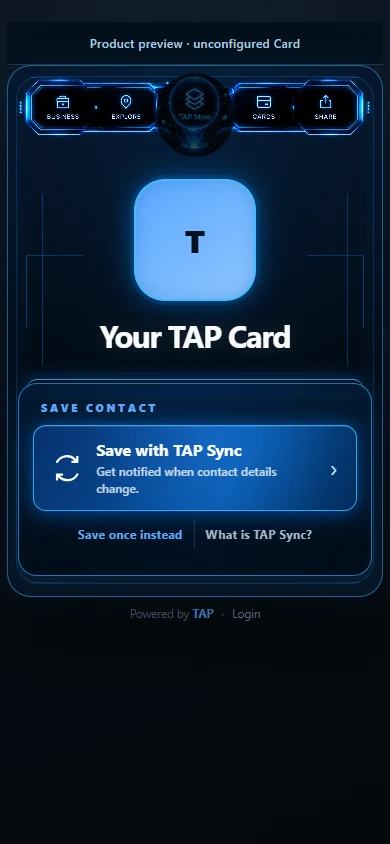
Tap. Scan. Share.
Keep the connection going.
More than a digital card
Bring your card, connection tools, and follow-up into one workspace.
A live profile with contact details and links you can keep up to date.
Share your TAP Card through a physical TAP product and a compatible phone.
Open the same connected experience through a scan.
Discover opt-in TAP businesses and professionals through their live Cards.
Turn TAP Back, form and quote requests into opportunities to follow up.
Manage appointment requests with your enabled scheduling tools.
Keep tasks, quotes and next actions in view with your enabled workspace tools.
See recorded card, NFC, and QR activity in your workspace.
How TAP works
A simple introduction, with a clear next step.
Share your TAP Card by NFC, QR, link or email signature, or publish it to TAP Find after approval.
Open a live Card, save contact details with TAP Sync, explore TAP More or leave details with TAP Back.
Use your enabled tools to review Leads, handle appointment and Quote requests, and manage the next action.
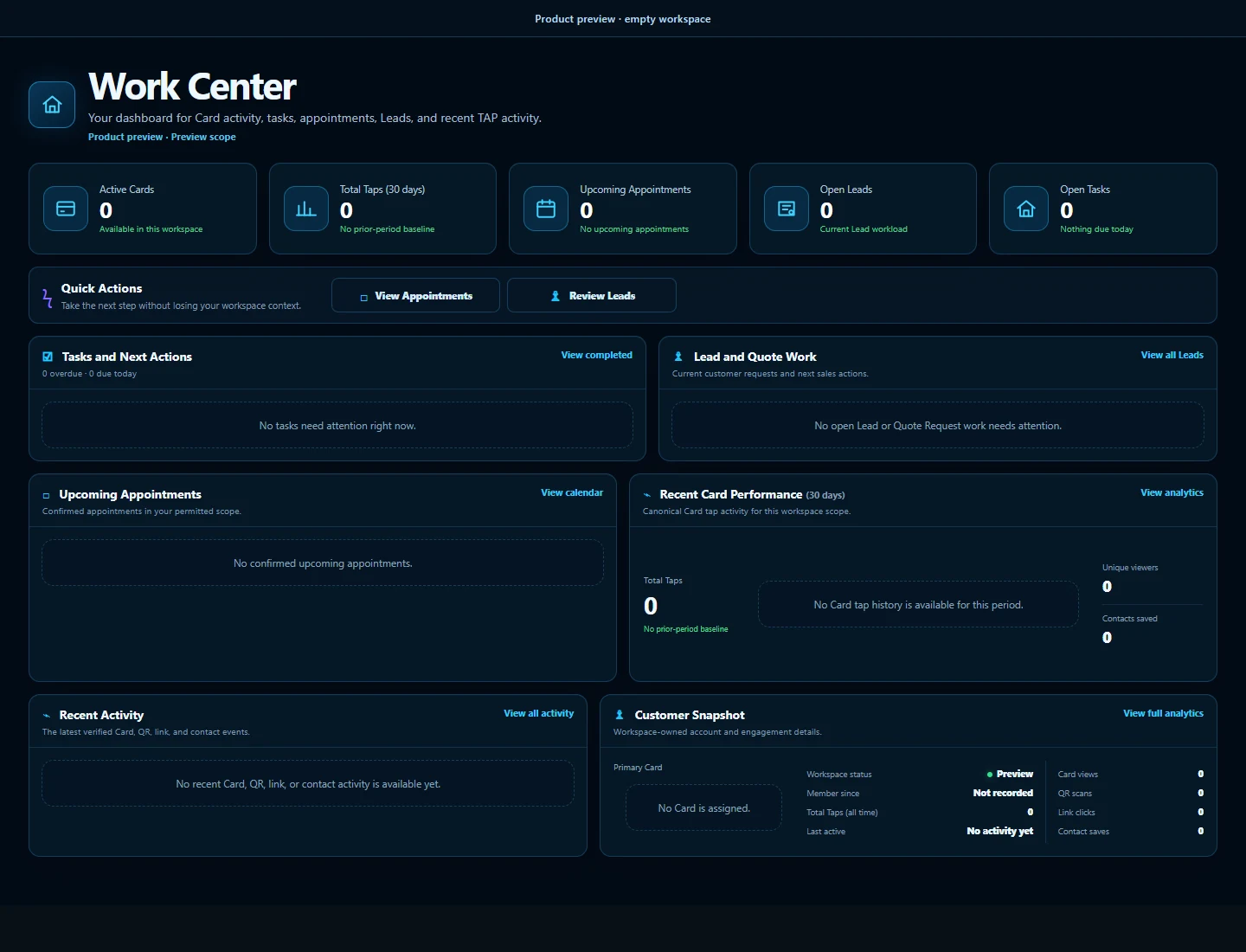
Your business, amplified
Manage your Cards, connected items, Leads, appointments, Quotes and activity in one place. Keep the next step in view with the tools enabled for your account.
Sign in to your own workspace. Tools depend on your access and setup.
Make every connection count
Share your TAP Card by tap, scan or link. Capture the interest, handle requests and keep the conversation going with TAP.
One tap.
More possibilities.